
Step 01 / 02
Writing and Choosing a Script
Write your script in the editor or pick one of your saved scripts. Word count and estimated reading time are shown on the same screen.

KIREIOur SoftwareOnline Teleprompter
Training and consulting company
Keep your scripts for shoots and live streams in one place, adjust reading settings and use it in the browser with nothing to install.
How it works
People, company and contact details in the screenshots are made up; logos are hidden. Click an image to enlarge it.
Write your script in the editor or pick one of your saved scripts. Word count and estimated reading time are shown on the same screen.
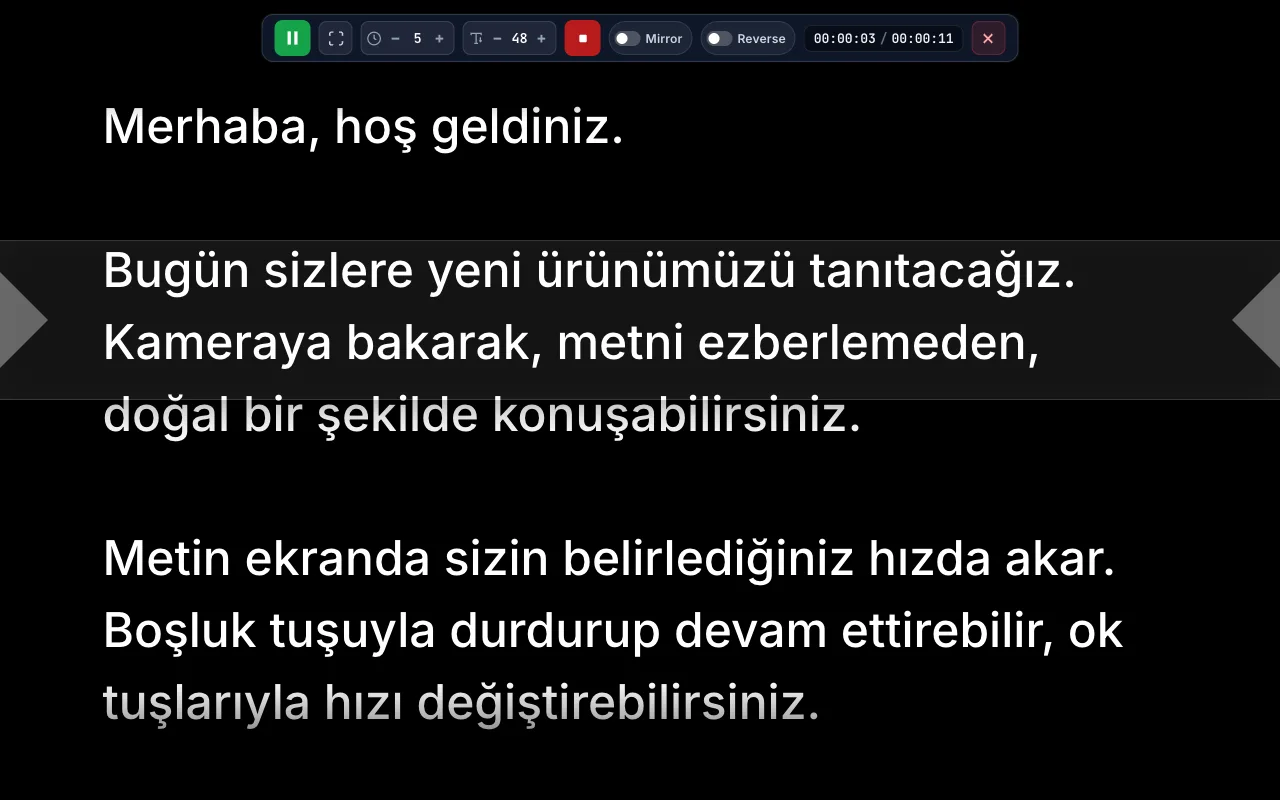
Adjust the scroll speed and font size to suit you. Control the flow with keyboard shortcuts and adapt it to a teleprompter screen with mirror and flip modes.
Share your needs and we'll prepare a roadmap and proposal for you.